Vuetify
구글의 material design을 사용할 수 있게 만든 Vue.js를 위한 UI 프레임워크
환경: Windows, Intellij, Vue.js 3
Vue CLI 를 사용하여 vuetify 설치
vue project 를 생성한 후 vuetify 플러그인 설치
$ vue add vuetify
✔  Successfully installed plugin: vue-cli-plugin-vuetify

? Choose a preset: (Use arrow keys)
  Vuetify 2 - Configure Vue CLI (advanced)
> Vuetify 2 - Vue CLI (recommended)
  Vuetify 2 - Prototype (rapid development)
  Vuetify 3 - Vite (preview)
  Vuetify 3 - Vue CLI (preview)
에러 메시지
Error: You cannot call "get" on a collection with no paths. Instead, check the "length" property first to verify at least 1 path exists.
=> Vuetify 2 는 Vue 3 를 지원하지 않는다.
? Choose a preset:
  Vuetify 2 - Configure Vue CLI (advanced)
  Vuetify 2 - Vue CLI (recommended)
  Vuetify 2 - Prototype (rapid development)
  Vuetify 3 - Vite (preview)
> Vuetify 3 - Vue CLI (preview)
Vuetify 3 - Vue CLI (preview) 선택
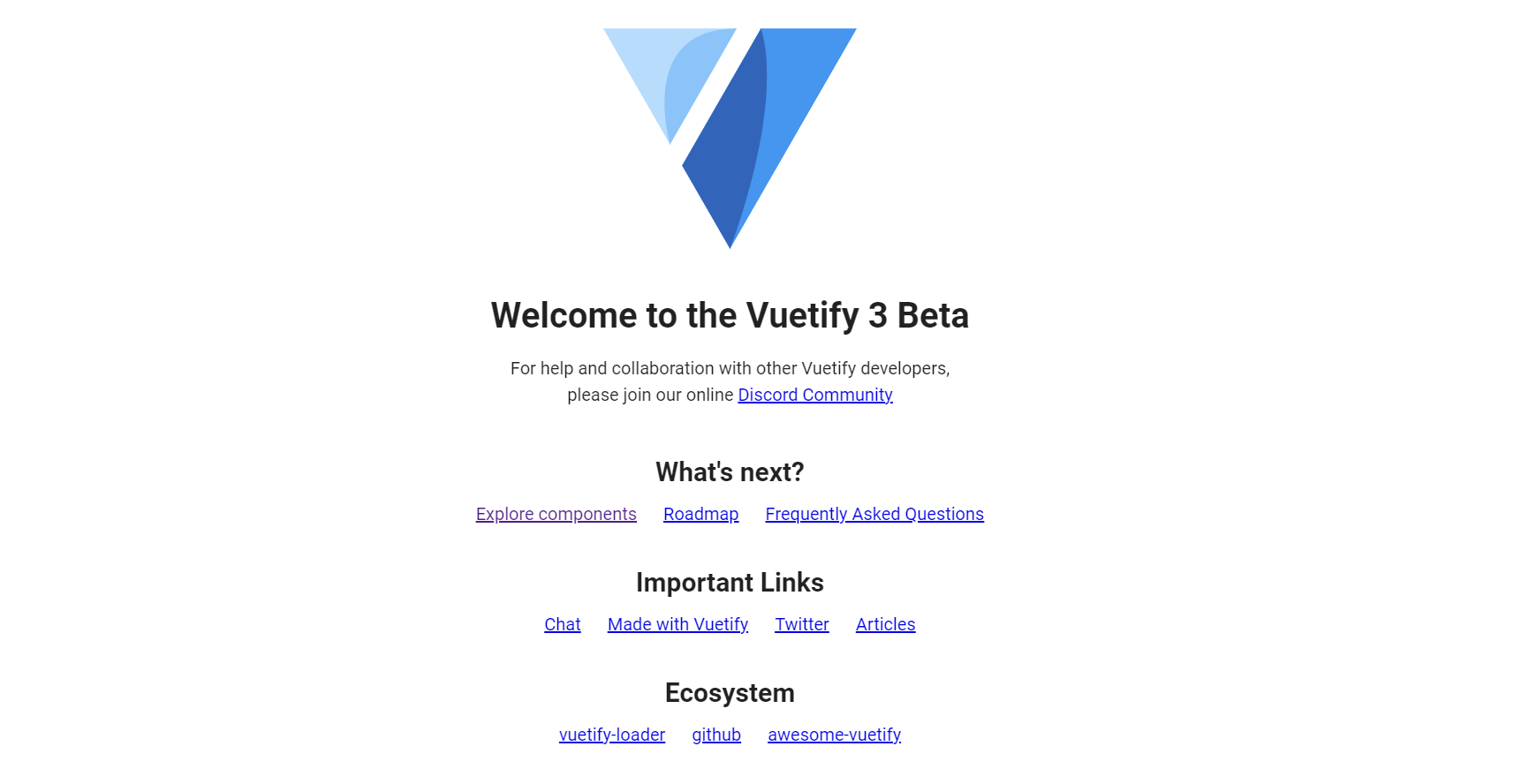
설치 완료
✔  Successfully invoked generator for plugin: vue-cli-plugin-vuetify
 vuetify  Discord community: https://community.vuetifyjs.com
 vuetify  Github: https://github.com/vuetifyjs/vuetify
 vuetify  Support Vuetify: https://github.com/sponsors/johnleider
// main.js
import vuetify from "./plugins/vuetify";
import { loadFonts } from "./plugins/webfontloader";

loadFonts();

createApp(App).use(vuetify).mount("#app");
'Advance II > Vue.js' 카테고리의 다른 글
| 컴포넌트 간 데이터 전달 (0) | 2023.09.24 |
|---|---|
| vue.js 입문 (0) | 2023.03.01 |
